
Protein Intake Counter
Track your daily protein target with quick-add portions or a custom amount. See your running total, grams remaining and entries in one place.
Today's protein
0 g
- Remaining
- —
- Target reached
- —
- No entries yet.
· Free
Track it in Protein Tracker.
Plan meals, track nutrition and keep your food log private on your device.

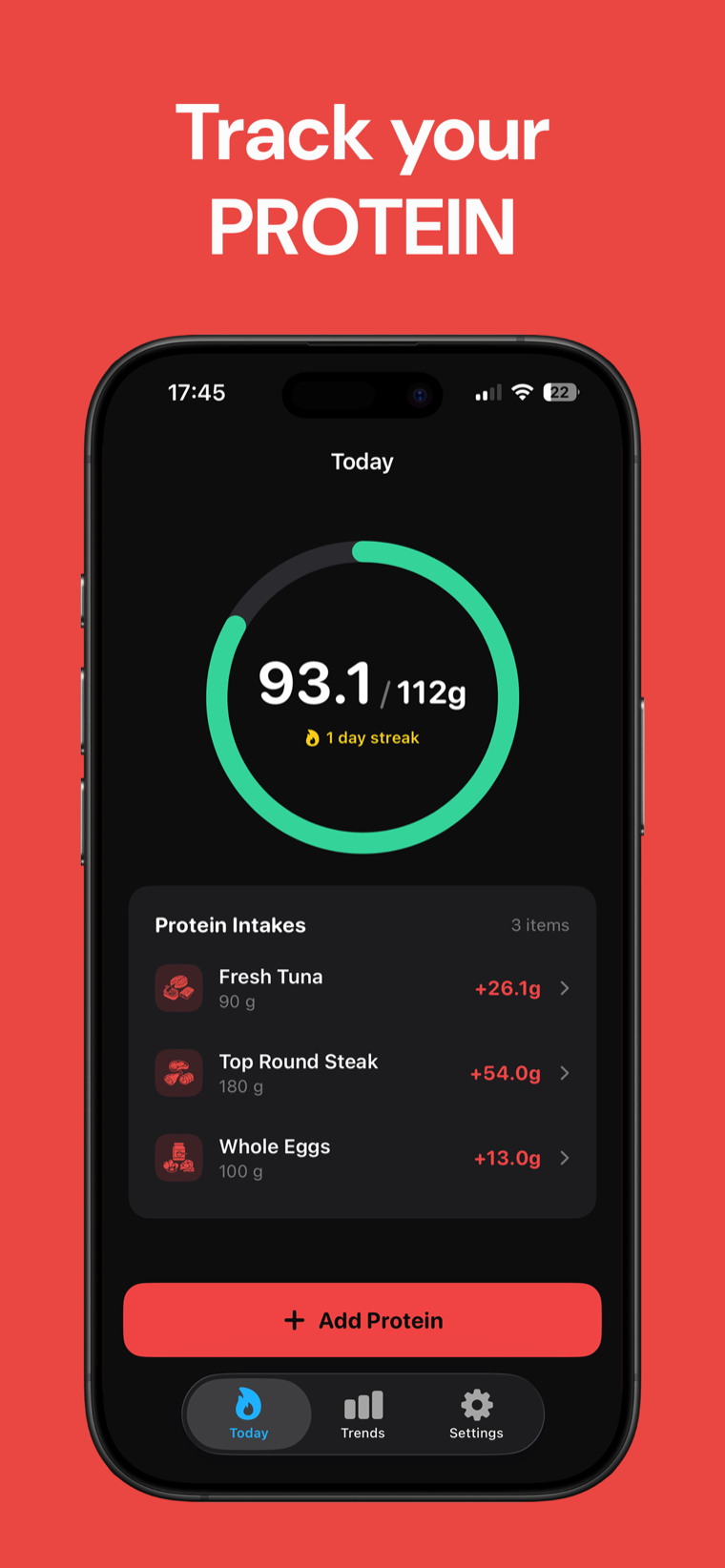
How the protein intake counter works
This protein intake counter keeps a running total of the portions you add during the day. Start with your daily protein target, choose a quick-add portion, or enter a custom number of grams.
The counter adds each entry without rounding the underlying values, then shows the total, grams remaining and percentage of your target. Entries are saved in your browser by date and reset automatically when the date changes.
Percentage of target = (total protein grams ÷ daily protein target) × 100 Quick-add values are typical protein amounts for the listed portions. Individual products and servings can vary, so use package nutrition information when available.
Protein intake counter FAQ
Are my entries saved?
The tool saves today's entries in your browser's local storage under today's date. If storage is unavailable, it keeps entries in memory until you close or refresh the page.
What happens when the date changes?
The counter starts a new empty log for the new date. Your daily target is carried forward so you can continue tracking without re-entering it.
Can I add a food that is not listed?
Yes. Enter its protein amount in grams in the custom protein amount field and select Add custom amount.
What do the quick-add amounts represent?
They are typical protein amounts in grams for the portions named in the buttons, using the supplied USDA FoodData Central reference values.
Does the counter recommend a protein target?
No. It only tracks the target you enter. Use a target appropriate for your circumstances and consult a qualified professional for personalized nutrition guidance.